MEET GPT IMAGE 2.6

Make the image
you have in mind.

From a first idea to a new visual direction. Create, edit, and animate with GPT Image 2.6 Flare and Sunburst in one studio.

From 5 credits per still image at low quality / 1K.
Review your settings and total in Studio before generating.

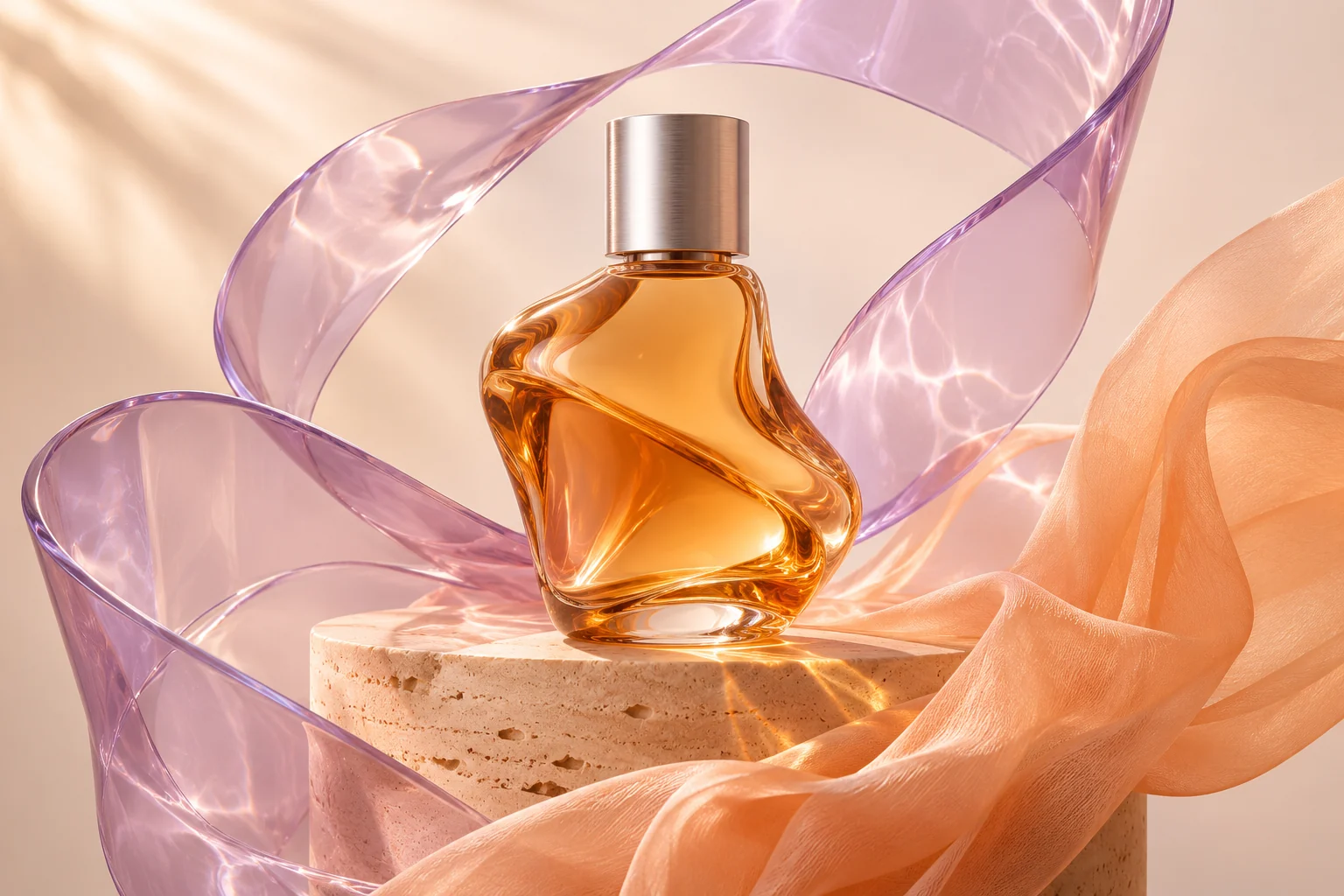
Amber glass perfume bottle on travertine with translucent lavender ribbons and peach fabric
AN IDEA, BEAUTIFULLY MATERIALIZED.
AI-generated concept artwork.

Create from a few words

Describe the subject, composition, and mood.

Refine with references

Bring an image and a clear instruction.

Add a little movement

Make an animated GIF with its own rhythm.

A BRIEF CAN GO MANY PLACES

Find your next direction.

Creative concepts to spark a brief. Take a prompt into Studio and make something of your own.

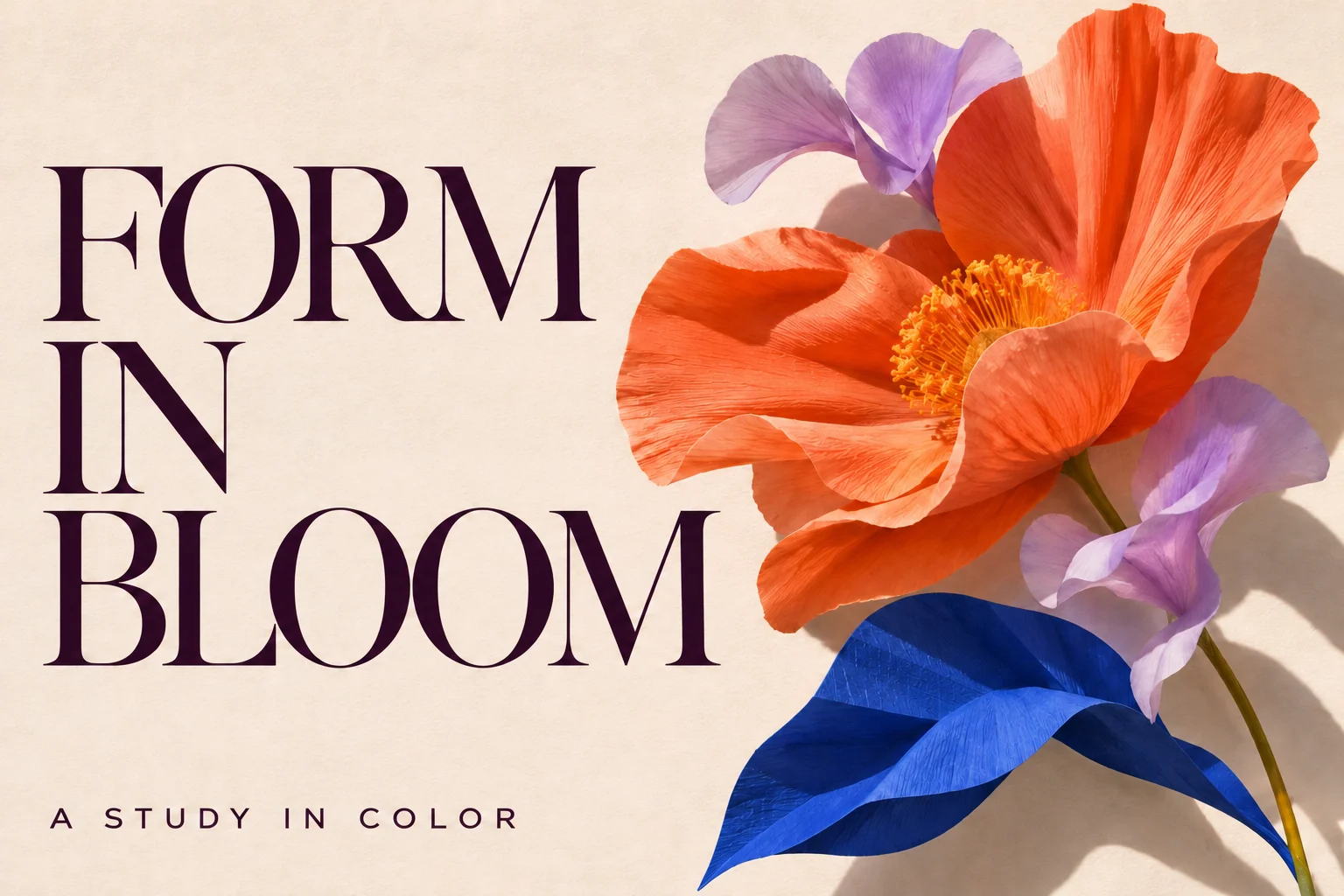
FORM IN BLOOM editorial poster with sculptural flowers and expressive typography
AI-generated concept artwork.

TYPE & COMPOSITION

Give your words a visual world.

Explore poster directions, campaign layouts, and editorial compositions. Put the exact words in quotes, describe their placement, and review the lettering before publishing.

See the creative brief

Create an editorial exhibition poster on textured ivory paper. The exact headline is “FORM IN BLOOM”. Pair large plum typography with sculptural orange and lavender flowers. Keep the layout spacious and the words readable.
Try this direction
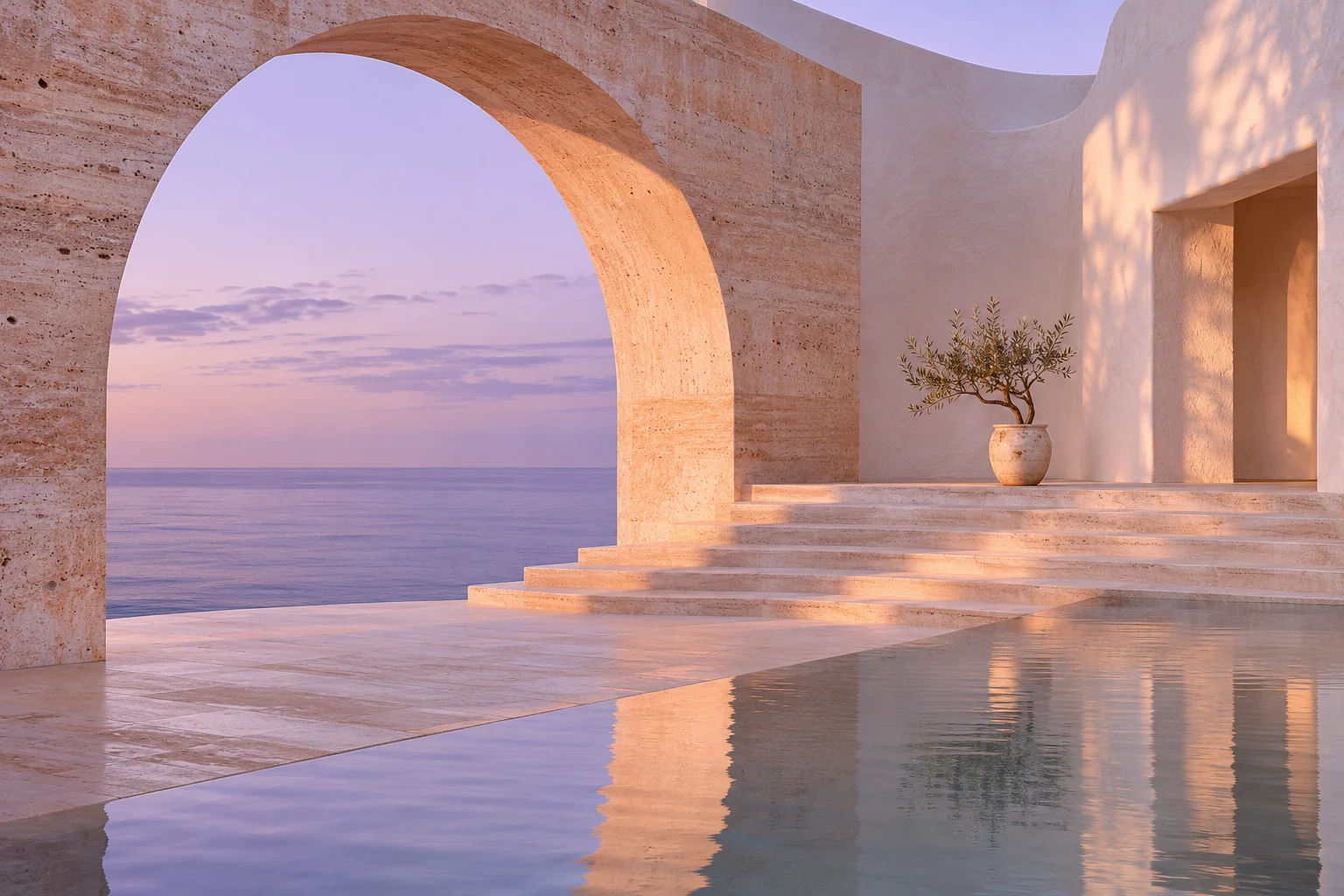
Dreamlike coastal architecture with lavender light, warm stone, and a calm sea
AI-generated concept artwork.

ATMOSPHERE & STORY

Build a scene worth stepping into.

Find a direction for a story, a launch, or your next moodboard. Describe the camera, materials, time of day, and palette to give the scene a clear point of view.

See the creative brief

Create an editorial photograph of a sculptural coastal pavilion in pale peach stone overlooking a calm lavender sea at dawn. A single curved arch frames the horizon. Soft natural light, tactile plaster, quiet cinematic composition.

Try this direction

A NEW TAKE, WITHOUT A NEW START

Keep the idea.
Change the details.

Bring a reference into Studio and give it a new direction. Be specific about the change, and name the parts you want to keep.

Edit an image
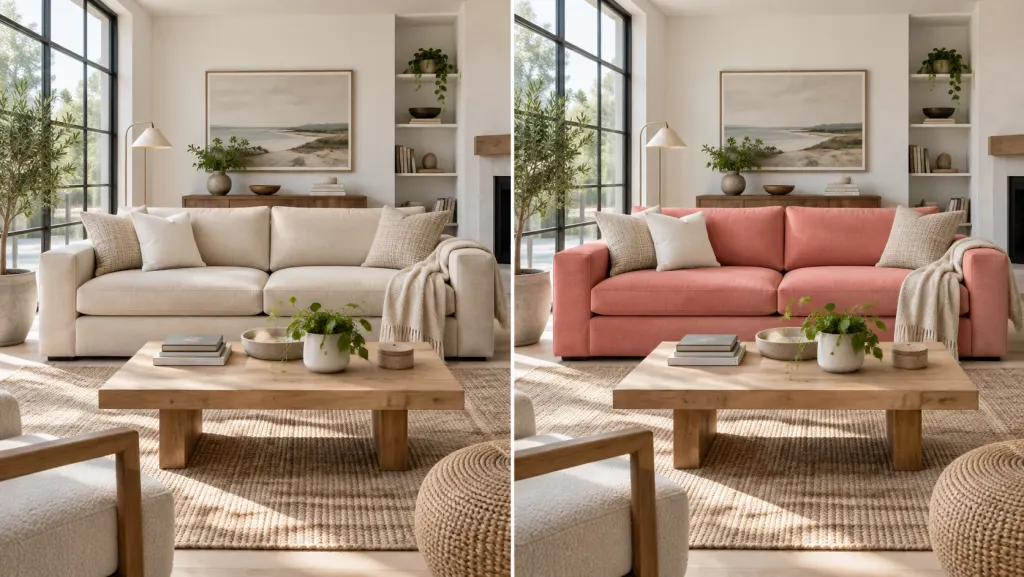
Illustrative before and after: a living room with the sofa changed from ivory to coral
Illustrative editing workflow · Describe what to change and what to keep.
01

Set the scene

“Place the product on warm stone with soft morning light. Keep its shape and camera angle.”

02

Explore the treatment

“Try a paper-cut illustration style. Keep the subject and the composition recognizable.”

03

Refine one detail

“Change the fabric to lavender linen. Keep the surrounding objects and lighting.”

TWO MODELS, ONE CREATIVE WORKSPACE

Meet Flare and Sunburst.

01 / GPT IMAGE 2.6

Flare

Start with your next idea.

A starting point for everyday image creation: product scenes, social concepts, illustrations, and new directions. Describe your idea, review the result, and keep refining.

Text to imageImage editingAnimated GIF
02 / GPT IMAGE 2.6

Sunburst

Explore another interpretation.

Bring the same brief into Sunburst to explore another model variant. Compare the composition, treatment, and details with your creative goal, then choose the result that works for you.

Text to imageImage editingAnimated GIF

THE SETTINGS THAT SHAPE YOUR RESULT

Make room for
your own choices.

Set the format before you generate. Studio keeps the controls, credit total, and results together so you can review and iterate.

Quality
Low, medium, high, xhigh, or max. Choose the quality and credit cost that fit the task.
Size & composition
Choose an aspect ratio and a 1K, 2K, or 4K size setting for still images. Exact dimensions adjust to model limits.
Background
Auto, opaque, or transparent. Use PNG or WebP to preserve transparency in still downloads.
Output
PNG, JPEG, and WebP for stills. GIF Maker adds frame count and playback timing for animated GIFs.

STILL AN IDEA. NOW IN MOTION.

Give it a little life.

Make an animated GIF with GPT Image 2.6. Choose your frames, set the pace, and preview the loop in GIF Maker.

Explore GIF Maker

FAQ

Frequently asked questions

Generate images from text, refine images using references, and create animated GIFs. Use it for product concepts, editorial visuals, social content, illustrations, and creative exploration. Review the result before publishing or using it in a final design.

Your next image starts here.

Create and edit with GPT Image 2.6 Flare and Sunburst. Choose your settings and review the credit total in Studio.

Create with GPT Image 2.6