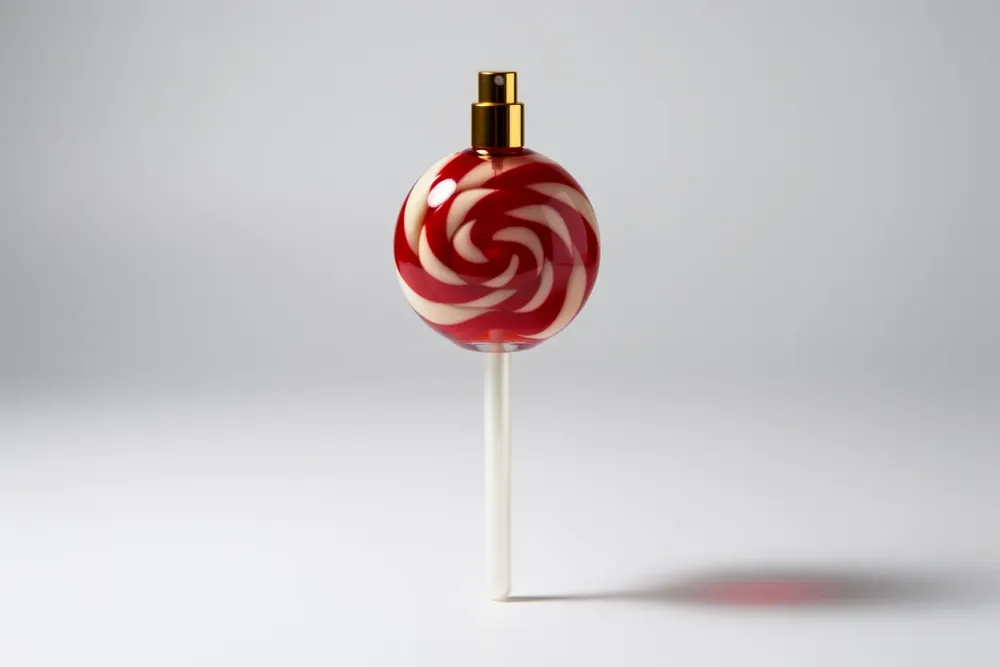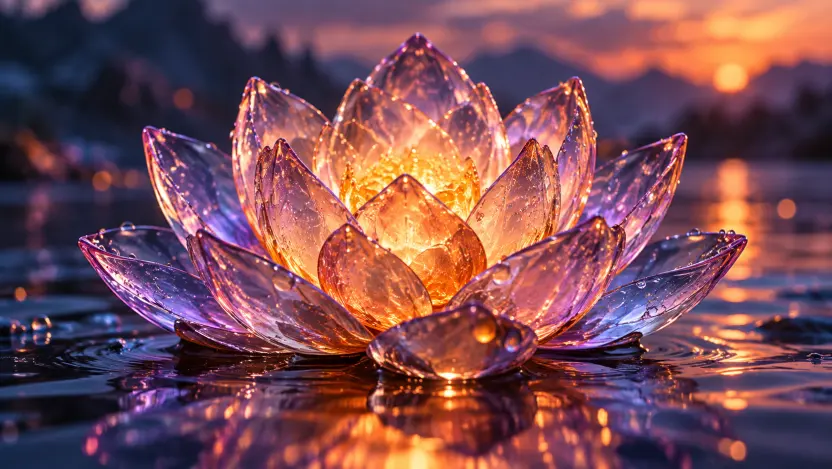
Text to image
Turn plain-language prompts into polished, high-resolution visuals.
GPT Images 2.5 · Generate & Edit
Use GPT Images 2.5 in your browser to explore lighting, textures, text, and instruction-based edits. Review each result; complex edits may need iteration. Start on the free tier; pay when you want higher quality.
 Made with GPT Images 2.5
Free GPT Images 2.5 generator
Get 1 anonymous credit with no sign-in required. Create a free account to get 5 credits, plus image editing with Flare and Sunburst.
Your generated image appears here. 1K · 1:1 · Low · 1 credit.
Capabilities
Everything you need for professional AI image generation.
Turn plain-language prompts into polished, high-resolution visuals.
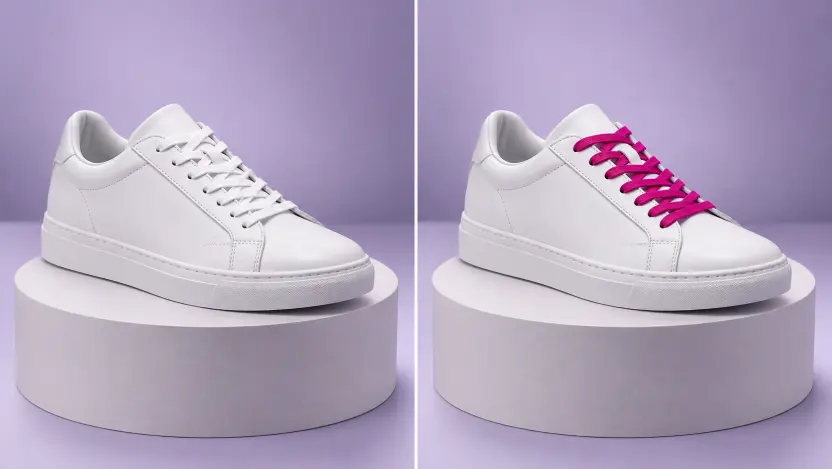
Describe the change you want, then check the result. Complex edits may need several iterations.
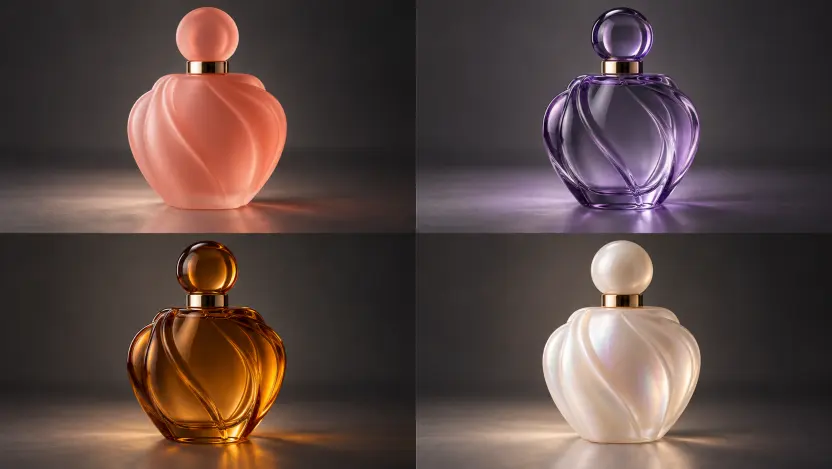
Explore up to four variations of an idea from a single prompt.
Workflows
Start from a prompt or a reference image. Compare Flare and Sunburst with the same prompt to find the result that suits your work.
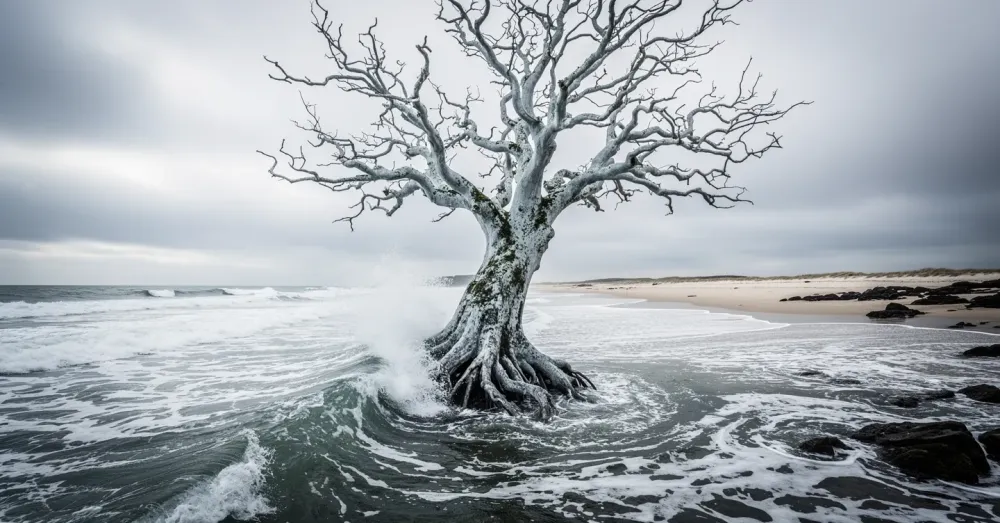
Prompt
At high noon on a blustery day, capture the surreal presence of a sentient tree, seemingly rooted underwater just off a tumultuous ocean shore.
Prompt
Describe your vision; the model composes a polished still from plain language.
Control
Pick the quality tier that fits the job. Low costs the fewest credits and is ideal for exploring; medium and high add detail when a result is worth it; xhigh and max exist for final art. You choose per generation, so you never overpay for a draft.
Five tiers from low to max, priced per image so drafts stay cheap.
Ask for a change and review the result; complex edits may need iteration.
Ask for transparency and get a usable cut-out, not a matte.
Why GPT Images 2.5
GPT Images 2.5 offers Flare and Sunburst, with GPT Image 2 as another model choice. At the same quality tier and 1K size on this site, GPT Image 2 uses more credits.
Use Flare to explore prompts for lighting, textures, and layouts. Compare its results with Sunburst using the same prompt.
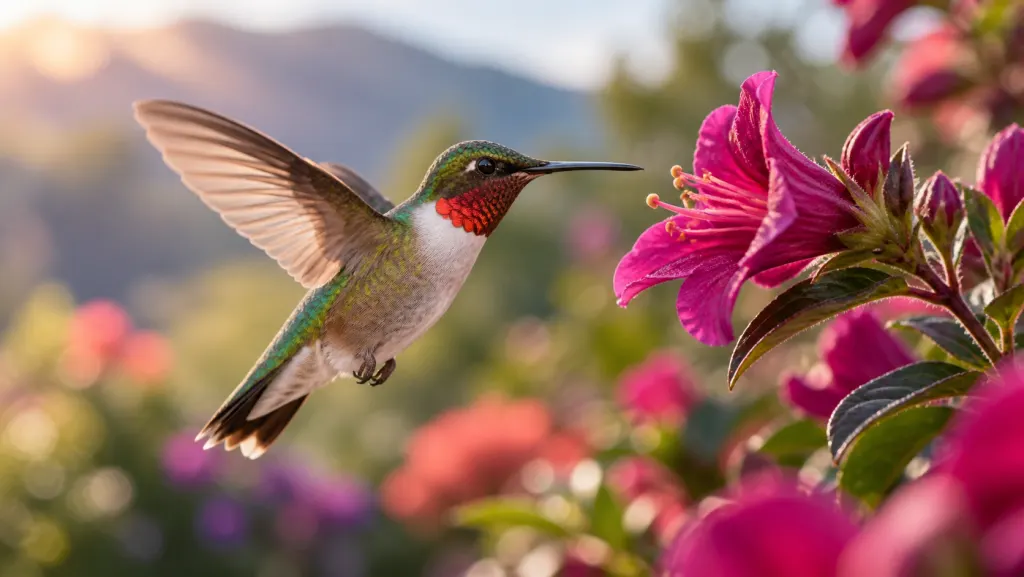
Try Sunburst with the same prompt and compare details, composition, and style before choosing a result.
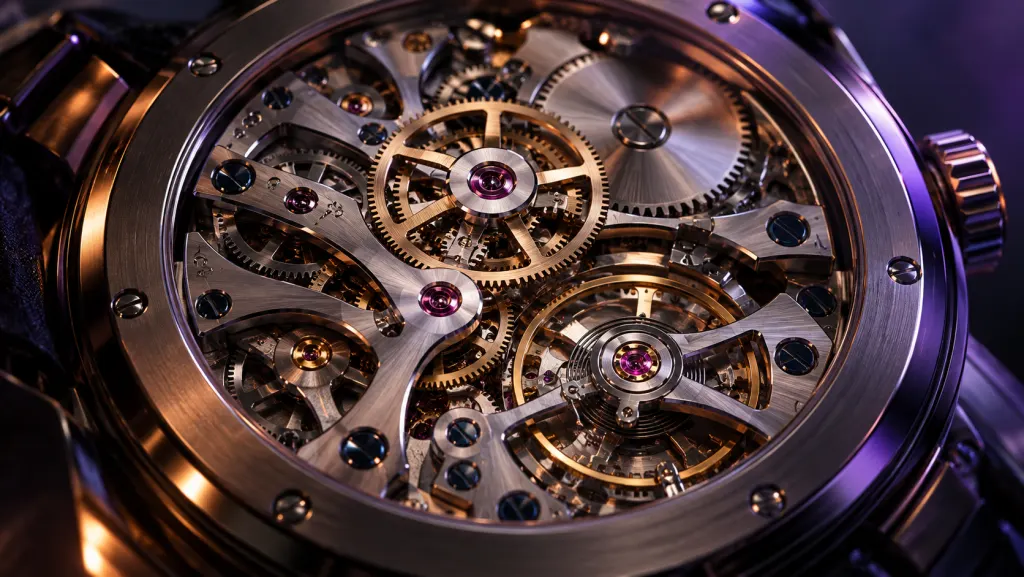
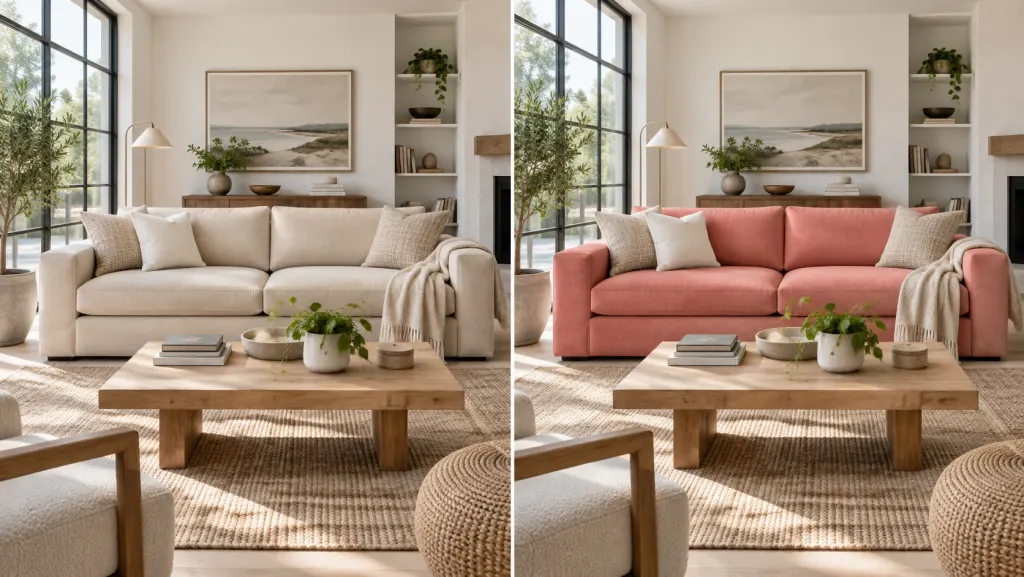
Describe what to change and what to preserve, then inspect the result. Complex edits may need several iterations.
Model comparison
Two model families, one studio. Compare outputs and credit costs to choose your model. Prices are credits per image at 1K, square; mask support is API-only, with no mask upload control on the web.
Two variants for generation and editing. Compare Flare and Sunburst using the same prompt, and review detail, composition, and style.
Variants
Quality · credits per image
Editing: Flare Edit and Sunburst Edit — attempts to follow your instructions. Check the result; complex edits may need iteration.
Another model choice with one variant and quality tiers up to high, without xhigh or max. At the same quality tier and 1K size on this site, it uses more credits.
Variants
Quality · credits per image
Editing: GPT Image 2 Edit — mask support is API-only; the web interface has no mask upload control.
How it works
From a single line of text to a finished image — no design experience required.
Write your idea in natural language — subject, mood, lens feel, and detail.
Compare Flare and Sunburst with the same prompt. Low quality uses fewer credits; choose a higher tier as needed.
Export the image, or send it straight back in as a reference for the next edit.
Pricing
Every generation uses credits. Start with 1 anonymous credit, or create a free account to receive 5 credits.
Subscriptions renew monthly. Upgrades charge the remaining-period difference and add prorated credits after payment and activation (eligible card or Link only). Downgrades start next period. Cancellation takes effect at period end. Monthly credits do not roll over; credit packs are unchanged. Purchases are non-refundable except as required by law. Failed generations return credits, not cash. Terms · Refund policy
Free
5 credits / month
Start freeStarter
500 credits / month
Creator
1,800 credits / month
Pro
6,000 credits / month
Credit packs
One-time purchases that never expire. Bigger packs include bonus credits.
One-time pack credits do not expire while your account is active. Packs do not add a subscription commercial license; ask terms@images2-5.com about licensing. Purchases are non-refundable except as required by law. Failed generations return credits, not cash. Terms · Refund policy
500 credits
500 credits
1,100 credits
1,000 + 100 bonus
2,900 credits
2,500 + 400 bonus
6,200 credits
5,000 + 1,200 bonus
FAQ
GPT Images 2.5 is a model family available in this Studio as Flare and Sunburst. Both offer text-to-image generation and instruction-based editing. Compare their results with the same prompt to choose what works for you.
Generate your first GPT Images 2.5 image today — free, no credit card required.
Generate free