Powered by GPT Image 2.6

Small loops.
Big feeling.

Turn a prompt or reference image into an animated GIF. Choose your frames, set the pace, and make your next idea move.

From 20 credits for 4 frames at low quality. Review the total in Studio.

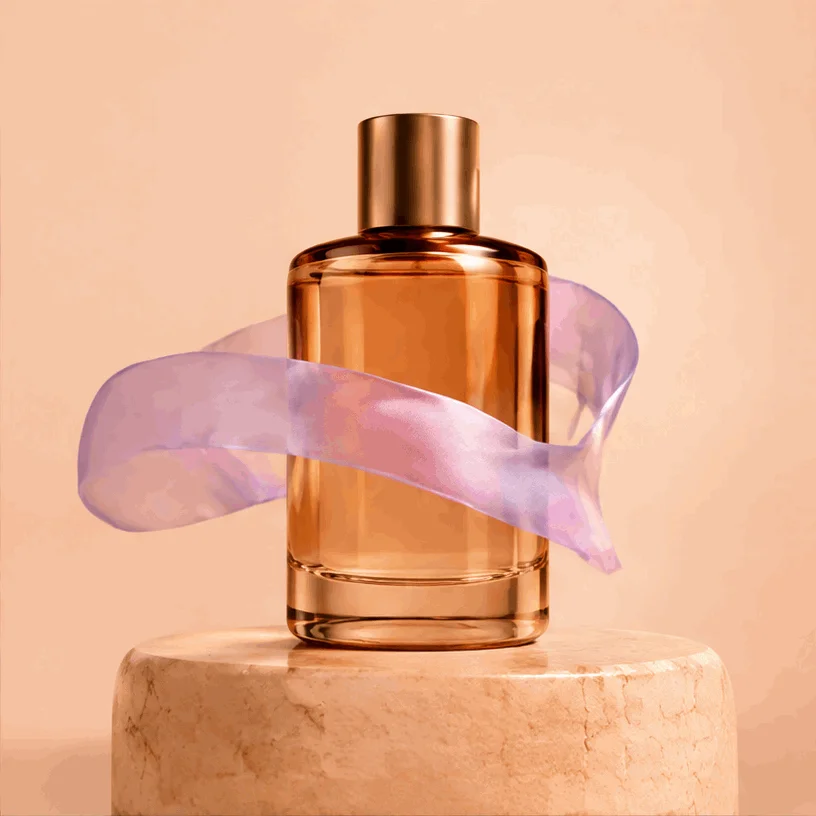
Amber perfume bottle with an orbiting lavender ribbon
GPT Image 2.6 Flare · Low
816 × 816 · 9 frames · 1.8s

YOUR IDEA, IN MOTION

A small spark is all it takes.

Real GIFs generated with GPT Image 2.6 Flare at low quality. Start with a prompt below and make it your own.

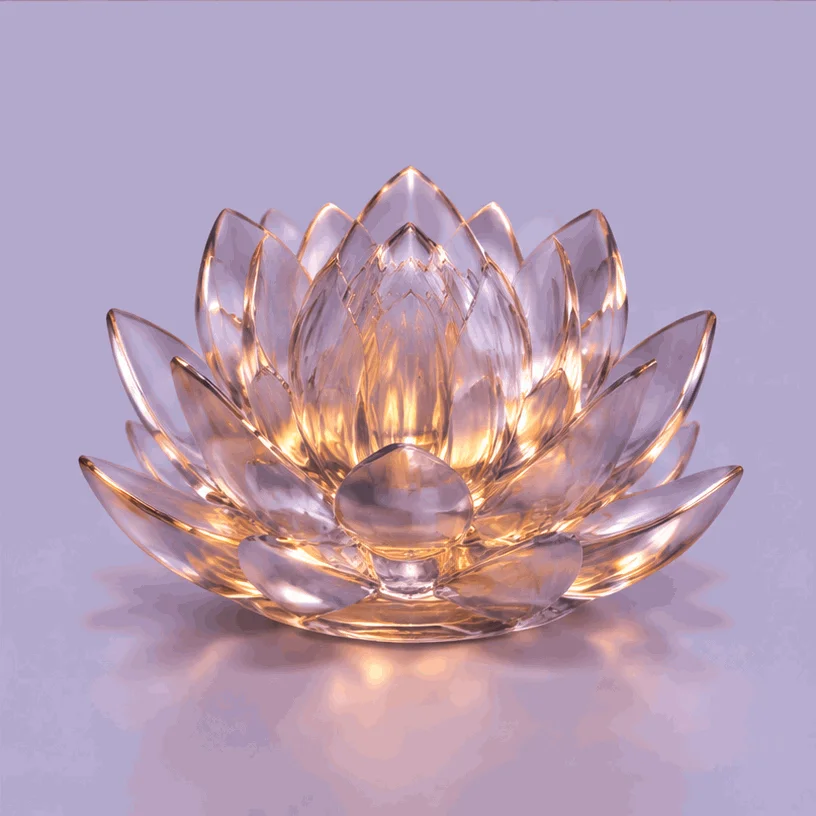
Glass lotus with pulsing amber light
GPT Image 2.6 Flare · Low
816 × 816 · 9 frames · 1.8s
01 / REACTIONS & STICKERS

A little glow

Create an animated GIF of a translucent sculptural glass lotus on a pale lavender background. Amber light pulses softly through the petals, then returns to the original brightness in a seamless loop. Centered symmetrical composition, soft studio lighting, fixed camera. Preserve the glass flower shape, framing, background and colors throughout. No text or logos.

Try this prompt
Amber perfume bottle with an orbiting lavender ribbon
GPT Image 2.6 Flare · Low
816 × 816 · 9 frames · 1.8s
02 / PRODUCT MOMENTS

Put your product in motion

Create an animated GIF of a minimalist amber glass perfume bottle on a peach stone pedestal. A translucent lavender silk ribbon gently orbits around the bottle and returns to its starting position in a seamless loop. Fixed camera, warm studio lighting, luxurious tactile materials, clean pale peach background, centered full product with generous margins. Keep the bottle, pedestal, lighting, label-free surface and camera fixed. No words or logos.

Try this prompt
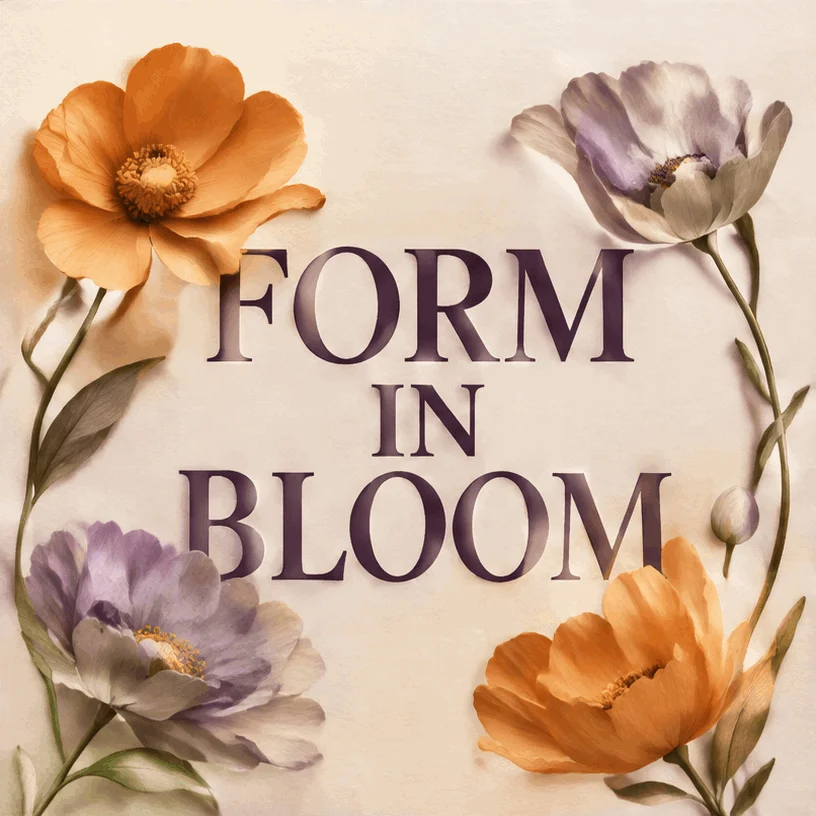
FORM IN BLOOM poster with gently moving paper flowers
GPT Image 2.6 Flare · Low
816 × 816 · 9 frames · 1.8s
03 / SOCIAL & ANNOUNCEMENTS

Make the message move

Create an animated GIF of a refined editorial exhibition poster. Exact headline: "FORM IN BLOOM". Large dark plum serif letters on textured ivory paper with sculptural orange and lavender paper flowers. Only the flower petals sway gently and return to their starting pose in a seamless loop. Keep the headline perfectly fixed, readable and spelled consistently. Fixed camera, spacious centered composition, soft paper shadows. No extra text or logos.

Try this prompt

DIRECT THE DETAILS

Your GIF. Your rhythm.

Describe the movement

Start from words or upload reference images. Tell the model what should move, what should stay still, and how the motion should return to its starting point.

Set the pace

Choose 4, 6, 9, or 12 frames and 100–500 ms per frame. Pick your aspect ratio, quality, background, and Flare or Sunburst model. Studio shows the cycle length and output size.

Preview. Download. Repeat.

Generate one animated GIF at a time and preview the motion in Studio. Download the GIF file, or switch the output format to PNG, JPEG, or WebP for a still image.

FAQ

Frequently asked questions

Describe the subject and movement, or start with reference images. GIF Maker uses GPT Image 2.6 to generate an animated GIF you can preview and download in Studio.

Make your next idea move.

Create an animated GIF, powered by GPT Image 2.6. Set the frames and timing, then preview and download your result.

Make a GIF